Acknowledge
Use when the signal is valid and has been accepted into the team's work.
Follow one practical workflow, then use the deeper guides when your team is ready for monitoring, PR checks, and AI agents.
Complete these in order. Each step leaves the workspace in a useful state, so you can stop and return later.
Choose an AI provider, connect GitHub, and select the alerts you need.
Open workflowScan a repository with the recommended checks before changing advanced options.
Open workflowOpen critical and high findings, then acknowledge or dismiss each signal.
Open workflowCopy the fix, create a GitHub issue, or send complex evidence to an agent.
Open workflowRescan the same repository and only close findings after the evidence clears.
Open workflowAdd monitoring, PR Guardian, and focused agents after the first baseline.
Open workflowStart with the integrations that unlock the workflow. You can add advanced alerts and CI access later.
Check the signed-in identity and which cloud features are available.
Open settingChoose useful notifications and create an API key only when CI needs one.
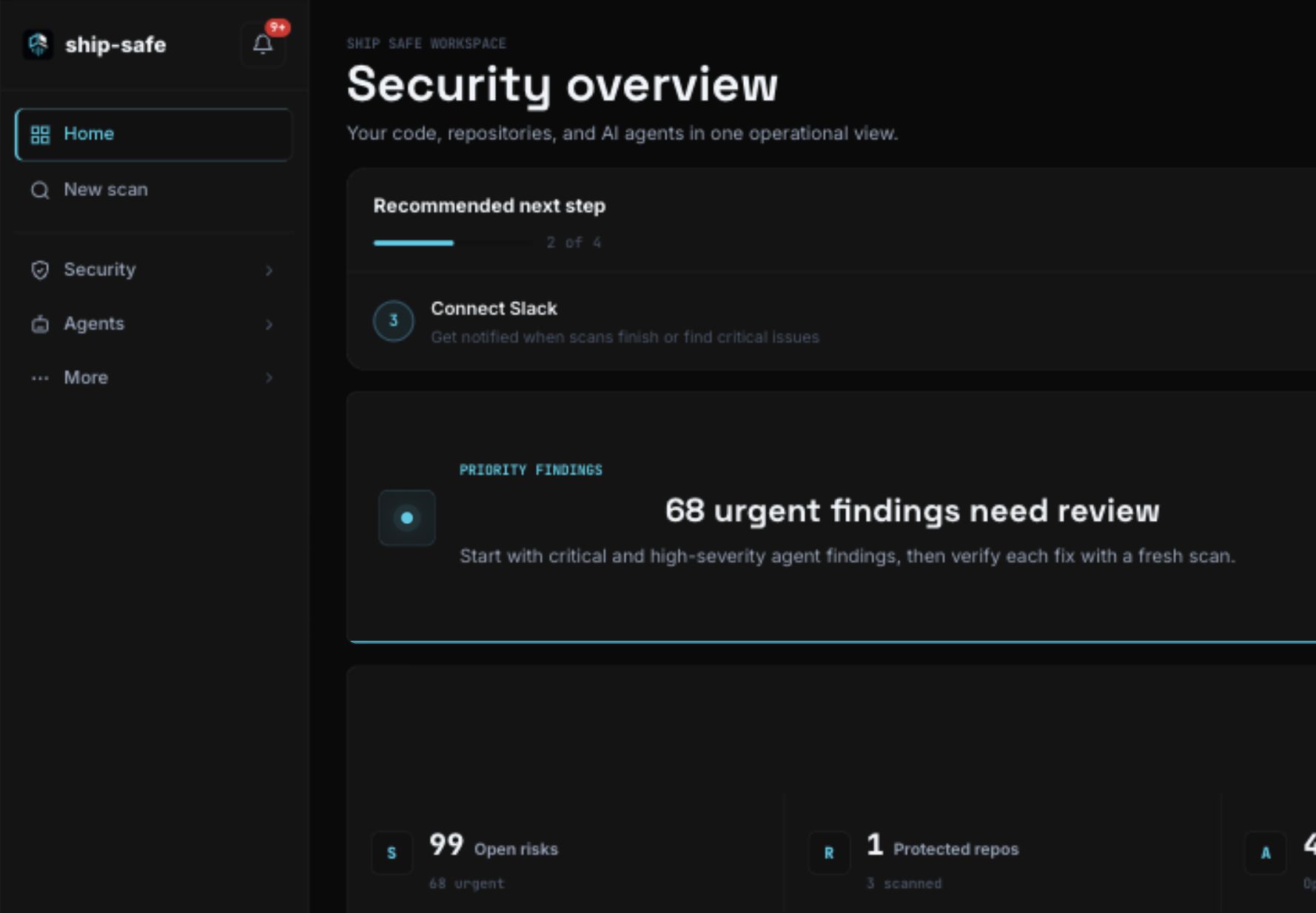
Open settingThe dashboard answers three questions first: what needs attention, whether risk is improving, and which repositories are protected.
Choose the target and run the default checks before opening advanced settings. This gives you a consistent baseline that is easier to compare later.
npx ship-safe audit .Use the CLI when source code must remain on the machine.Filter first, inspect the evidence, apply the smallest safe change, and rescan before closing the finding.
Choose the lightest action that moves the risk forward. The scan remains the source of evidence; GitHub or an agent becomes the place where the work continues.
Use when the signal is valid and has been accepted into the team's work.
Move the recommended remediation into the editor or the existing work item.
Send the evidence, location, rule, and fix to the repository with one confirmation.
Use a deployed security agent when the evidence needs deeper analysis.
Repository monitoring watches the default branch. PR Guardian adds a security decision before risky code merges.
Use dedicated agents for recurring specialist work, then review their findings alongside repository scans instead of creating a separate security workflow.
Summarize patterns, changing risk, and the next actions worth taking.
Open intelligenceGive each agent a clear objective, constrained tools, and a reviewable findings trail.
Set up Hermes