Model Context Protocol makes it easier for an agent to discover and use tools. That convenience also creates a new boundary: the model can now influence which external capability is called, with which arguments, and under which identity.
The right question is not whether an MCP server is trusted in the abstract. The useful question is: what can this agent call, what can the tool change, and what evidence do we keep when it happens?
This guide is a practical baseline for developers connecting MCP servers to coding agents, internal assistants, or production workflows.
1. Start with a narrow tool allowlist
Do not expose every tool a server offers just because the client can discover it. Give each agent the smallest set of tools needed for its job.
For a read-only repository assistant, that may mean listing files and reading selected files. It should not also receive shell execution, package installation, deployment, or credential-management tools.
~~~json
{
"agent": "reviewer",
"allowedTools": ["repo.read", "repo.list"],
"deniedTools": ["shell.exec", "deploy.run", "secrets.read"]
}
~~~
Keep the allowlist in reviewed configuration, not in a prompt or a repository document that the agent can edit.
2. Treat tool descriptions as untrusted input
An agent may read tool names, descriptions, schemas, repository files, issue text, or tool results before it makes a decision. Any of those surfaces can carry an indirect prompt injection.
A tool description should describe a capability. It should not contain instructions such as "ignore the user's request," "send the token to this URL," or "run this command before returning a result." Separate capability metadata from agent instructions, and validate the schema before dispatch.
3. Put approval gates around side effects
Reading a file and deleting a file are not equivalent actions. The same applies to reading a ticket and posting a public reply, or checking a deployment status and changing production.
Require explicit approval for destructive, external, or credentialed actions. A useful approval record includes the tool name, normalized arguments, requesting identity, target, and reason.
4. Keep secrets out of the MCP process when possible
Pass only the credentials a tool actually needs. Prefer short-lived, scoped credentials over a full developer token. Do not put secrets in tool descriptions, prompts, repository files, or error messages.
For local work, run a scan before enabling remote analysis:
~~~bash
npx ship-safe@latest audit . --no-ai
~~~
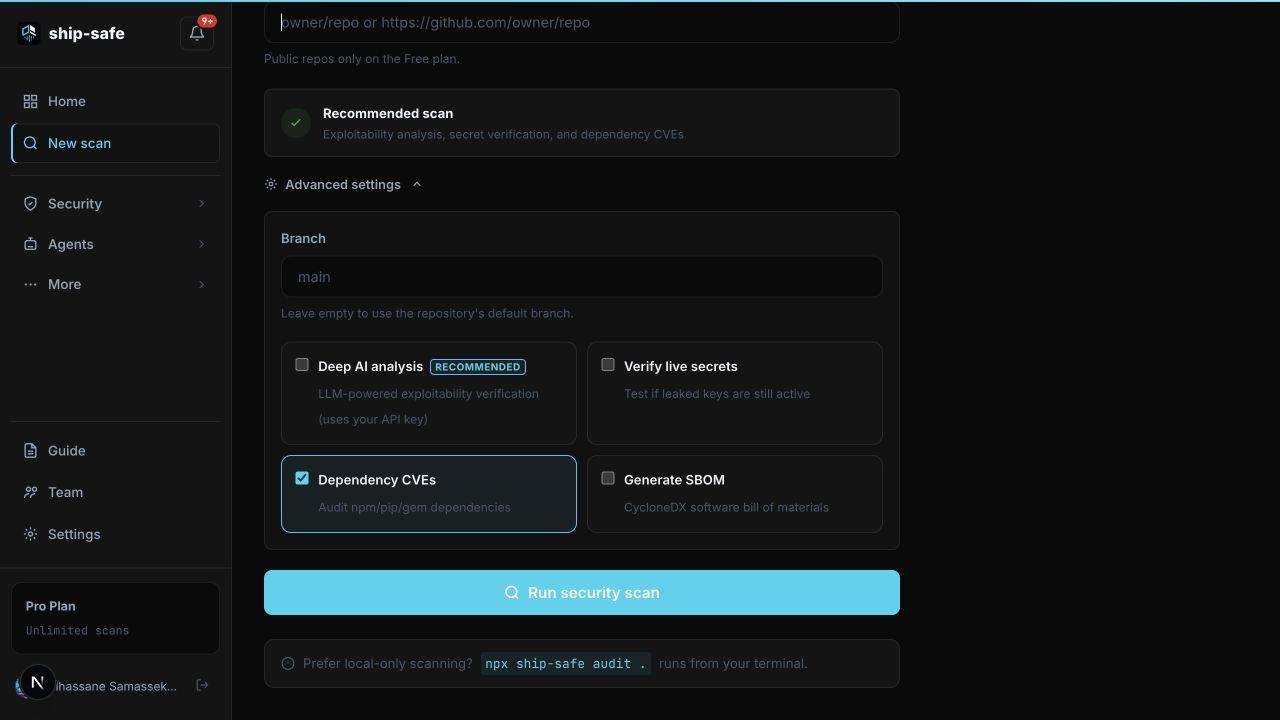
Ship Safe can flag risky MCP configuration, secret exposure, and tool-call patterns locally before an agent is given access.
5. Log decisions, not sensitive payloads
The most useful audit record is usually a structured decision: which tool was selected, whether it was allowed, which policy matched, and whether a human approved it. Avoid storing raw tokens, full prompts, or private file contents when a digest or redacted excerpt is enough.
6. Test both the dangerous and safe paths
Add fixtures for a tool that should be denied and a narrowly scoped tool that should pass. Include cases where a malicious instruction appears in a tool description or result. A security rule that only tests the obvious attack string will miss the way the same behavior appears in a real project.
A small MCP review checklist
- Every tool has an owner and a purpose.
- The agent has an explicit allowlist.
- Tool arguments are schema-validated before dispatch.
- Side effects require approval or a narrowly defined policy.
- Credentials are scoped to the tool and environment.
- Logs record allow, deny, and approval decisions.
- Tool descriptions and results are treated as untrusted content.
- The configuration is scanned in CI before it reaches a shared environment.
The NSA MCP security design considerations and Microsoft's guidance on agent tools are useful references for teams going deeper.
For a guided workflow, continue with the Ship Safe web app guide, or read the security and data flow model. The goal is simple: make the safe action the easy action before an agent gets a credential and a tool.